PLY importer script for R19
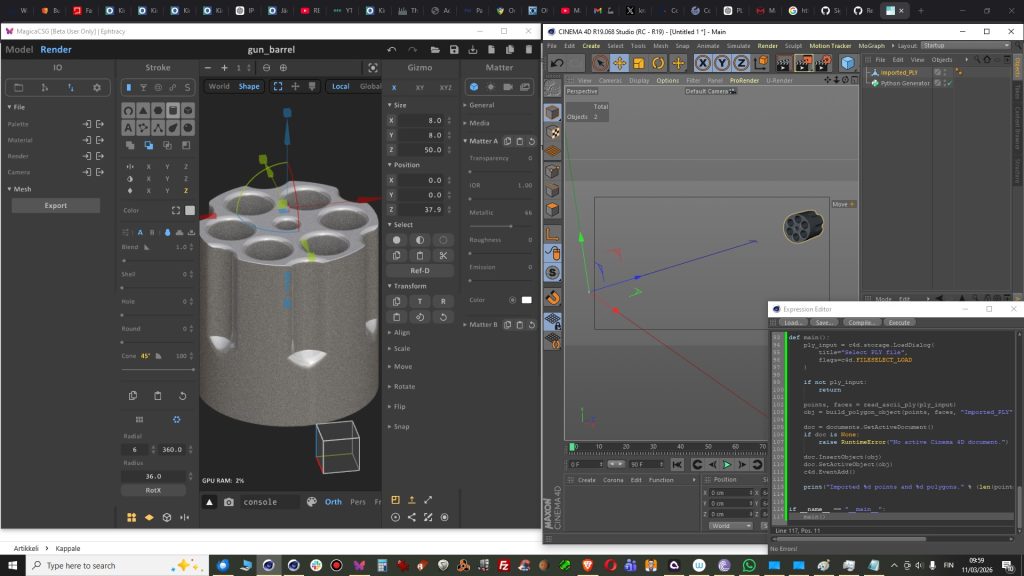
Actually my first released script. I had modeled object in Magica CSG and this came handy when import into Cinema 4D R19. There is no support for PLY in R19. This version is 0.1.
You can get free script from my K3DSCRIPTS
GitHub page: https://github.com/kimmorp-777/K3DSCRIPTS/releases/tag/cinema4d
HOW TO RUN:
- Create Python Generator
- Paste all script text in the console and Execute.
- If not working, push Force Update
Some minor fixes:
Axis is not on center
Some notes:
If script keeps asking new file or Cinema 4D
gets stuck, then after mesh import simply
delete Python Generator from your object
manager.
File size ”issues”, or just features?.
The problem or the feature in PLY file itself is that it is quite heavy because it has very dense polygon mesh. This does not matter that much when you are making models for 3D-Printing. If you make models for game then you might want to use polygon reduction tool or just remodel some very polygon intense parts.
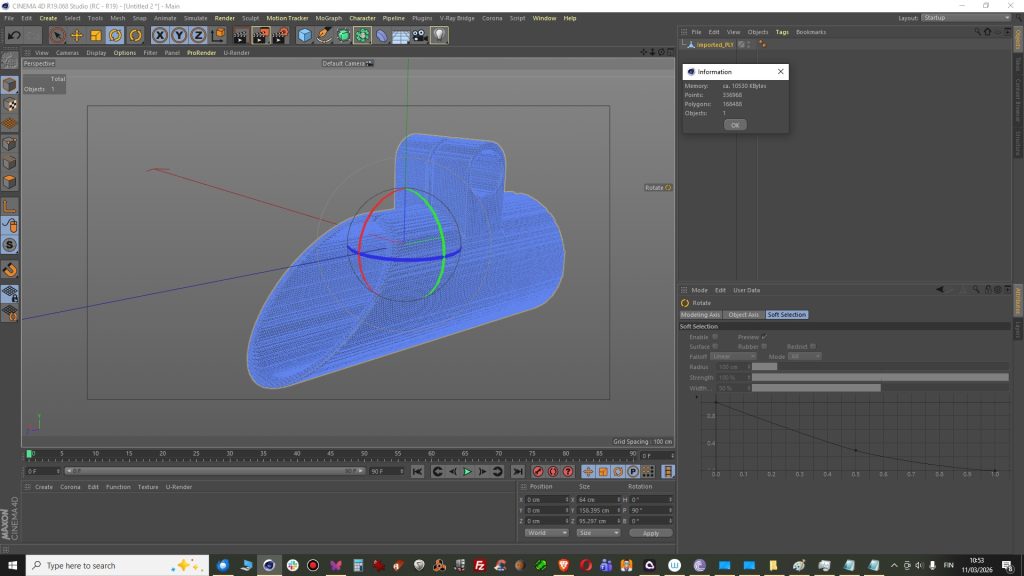
This model below had 168488 polygons that is too heavy for game engine but I guess ok for 3d-printer.
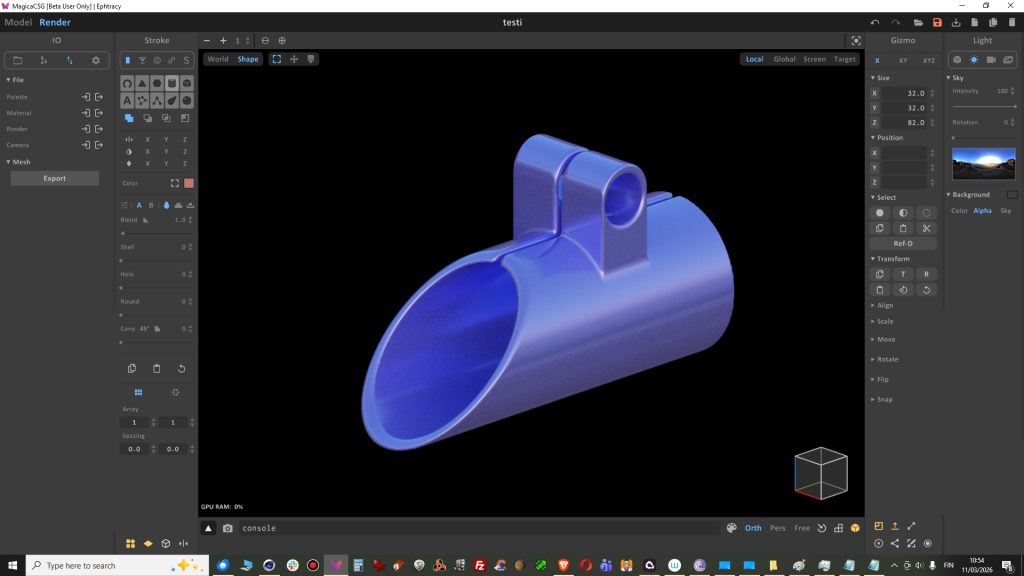
Modeling in Magica CSG
Import into Cinema 4D