Convert Binary PLY file into Ascii format
Another great scanned test model from Artec 3D files.
This time file needed to be converted into ascii format inside Meshlab because it was produced by scanner software as binary file. It opens in Meshlab for sure but not with Cinema 4D PLY importer python script.
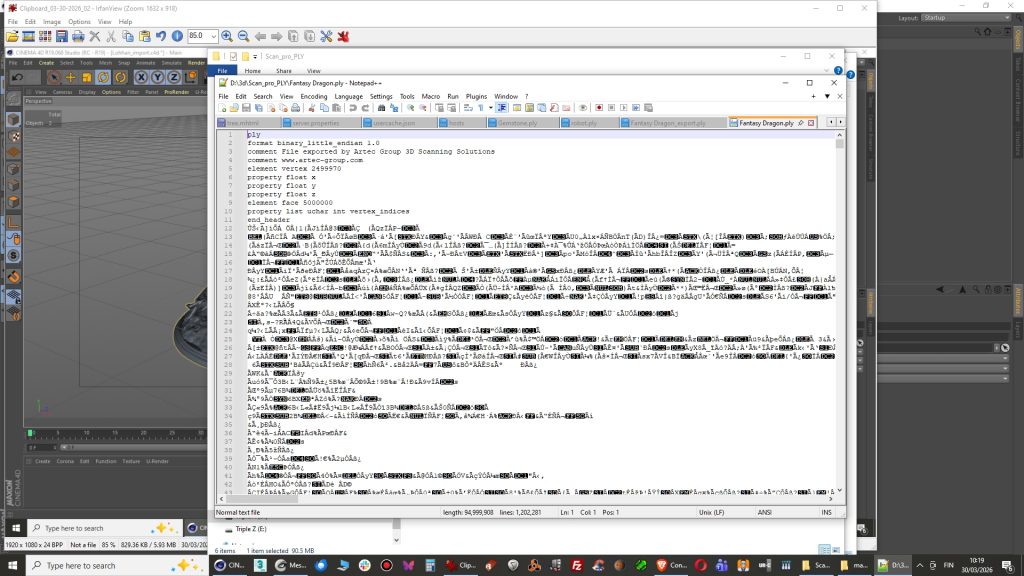
- open up PLY file in notepad ++ and you can verify the script is messed up. Hmm what garbage is this? Actually it is not garbage and not messed up but it is in binary format so it’s not readable in Ascii-format.
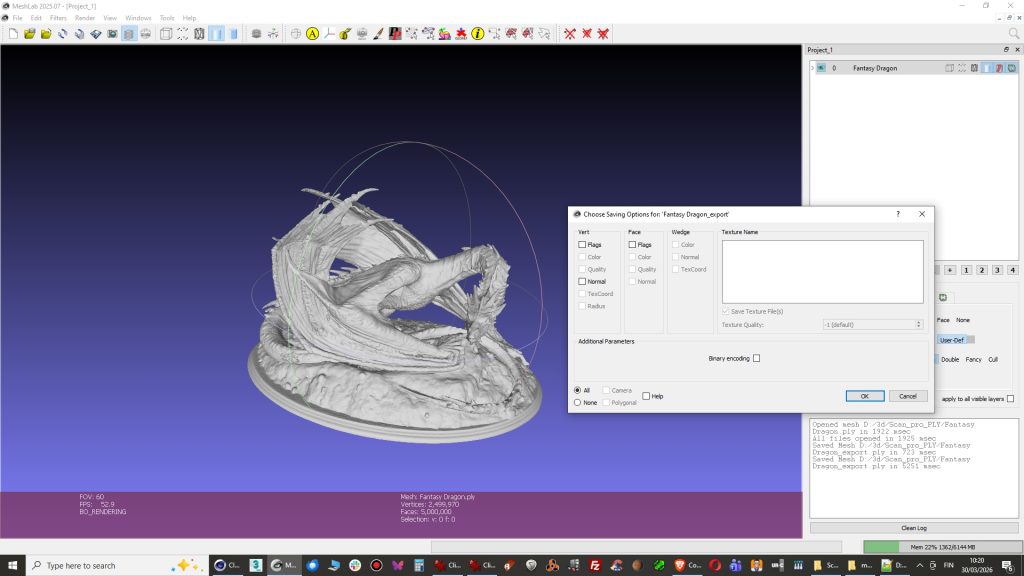
2. Open PLY file in Meshlab and Export as a new PLY file without checking Binary encoding. There was a good tip on this blog.
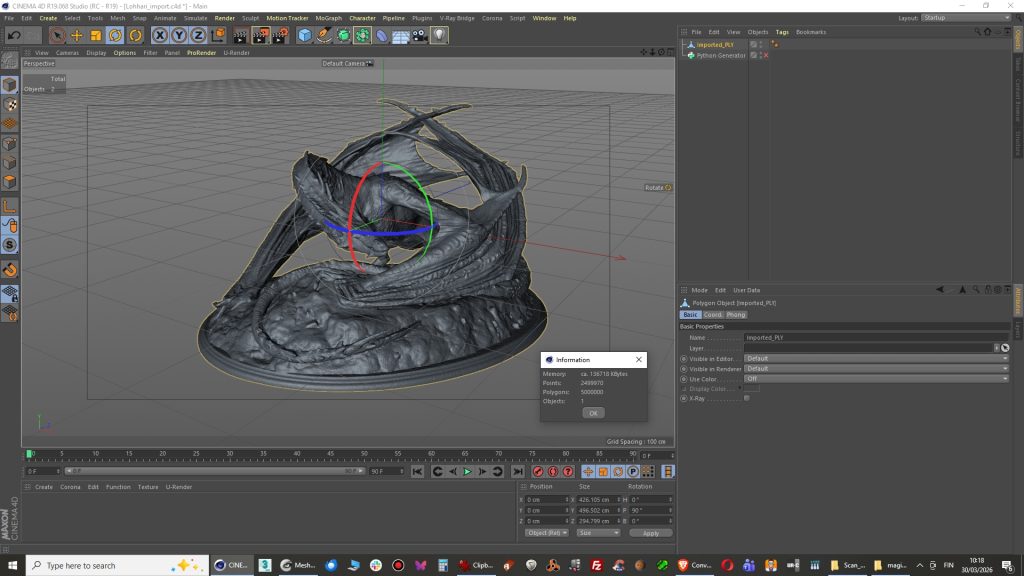
3. Import into Cinema 4D with PLY python script and you are done!. Model appears to have 5000 000 polygons which can be reduced now with polygon reduction tool but I am positive that Meshlab has better tools for that.
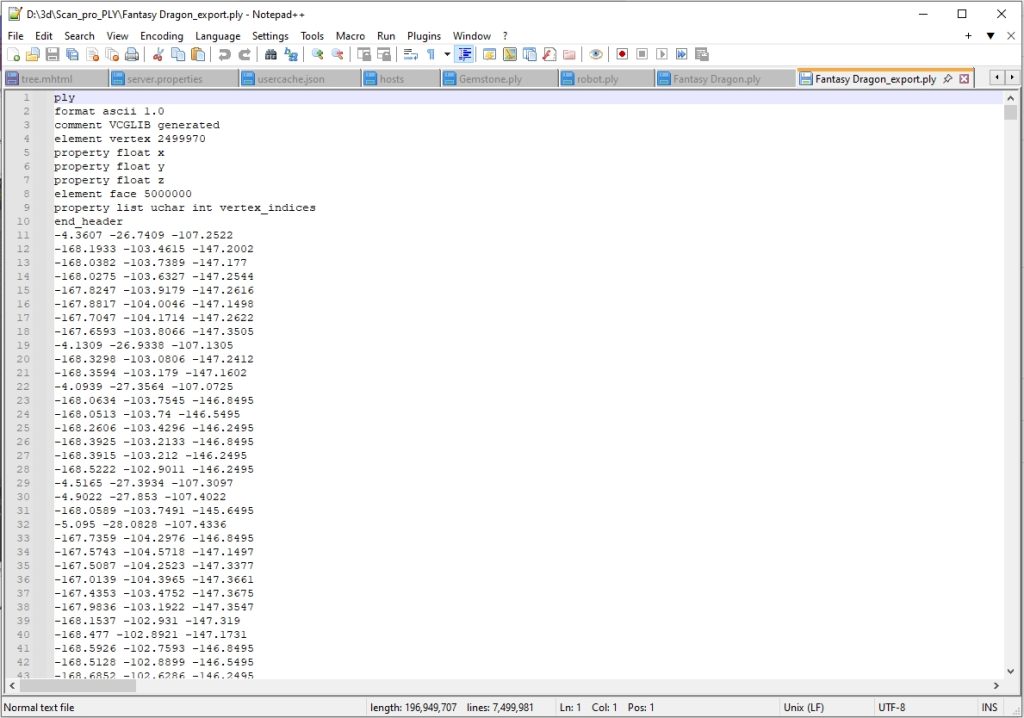
4. If you open the file in Notepad ++ and you can see it is clean now.
Comments are closed.