More modeling the same
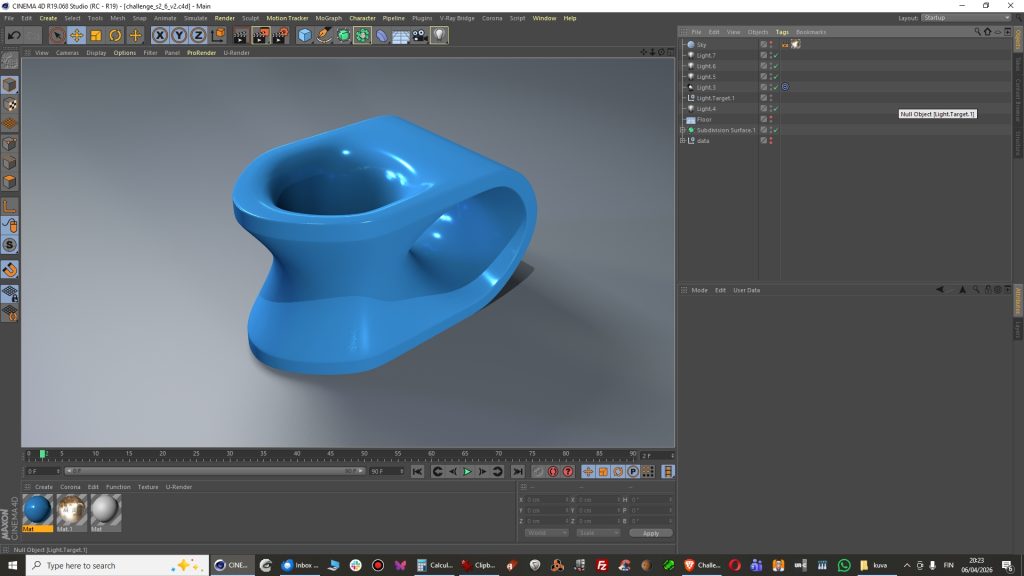
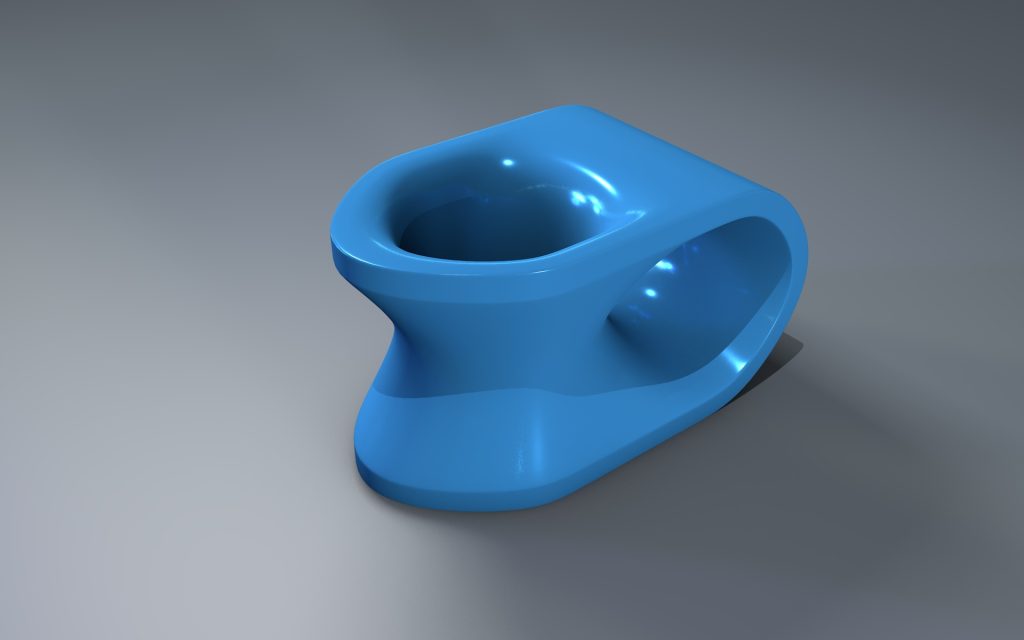
Now I am happy with the shape. Toilet seat? Hmm, lol 😀
Comments are closed.
Now I am happy with the shape. Toilet seat? Hmm, lol 😀
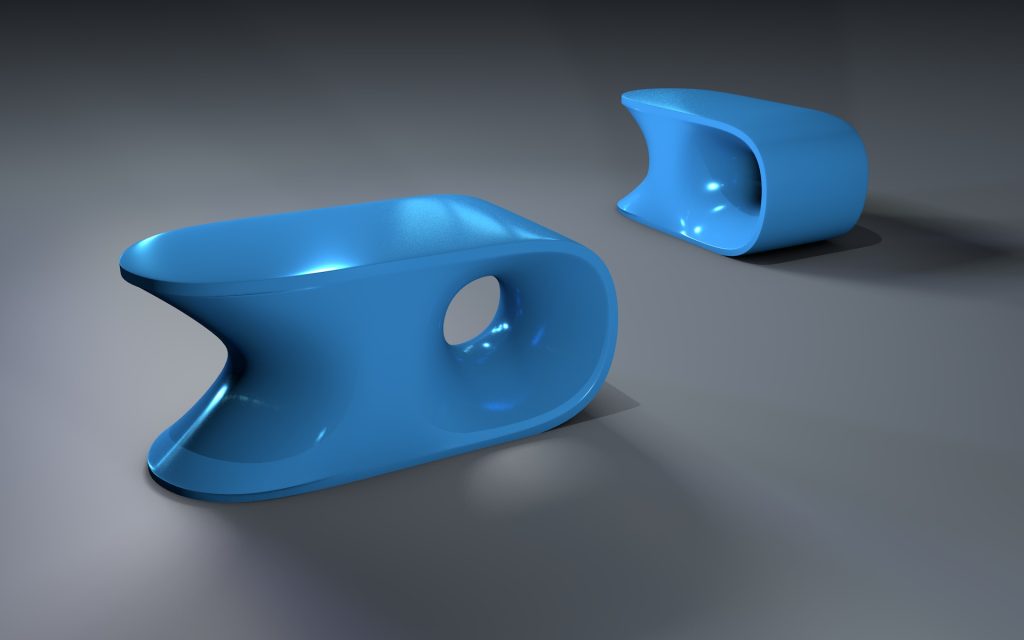
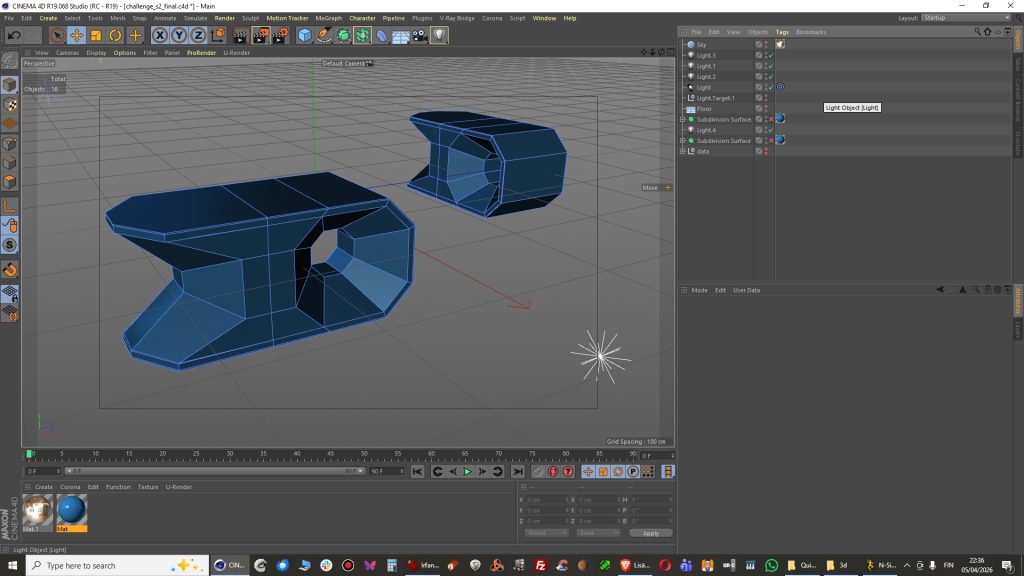
Well it is good enough?
Another great scanned test model from Artec 3D files.
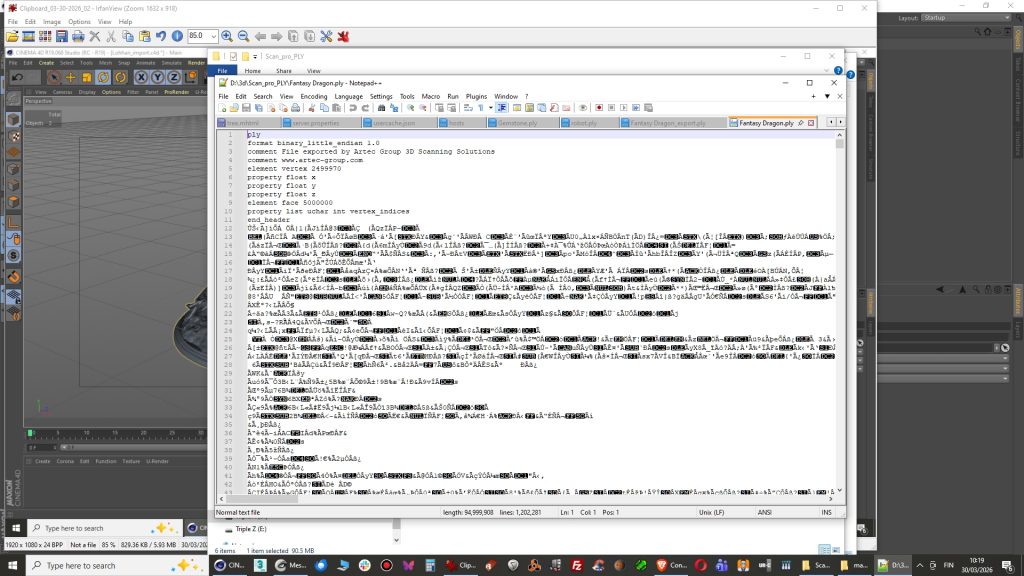
This time file needed to be converted into ascii format inside Meshlab because it was produced by scanner software as binary file. It opens in Meshlab for sure but not with Cinema 4D PLY importer python script.
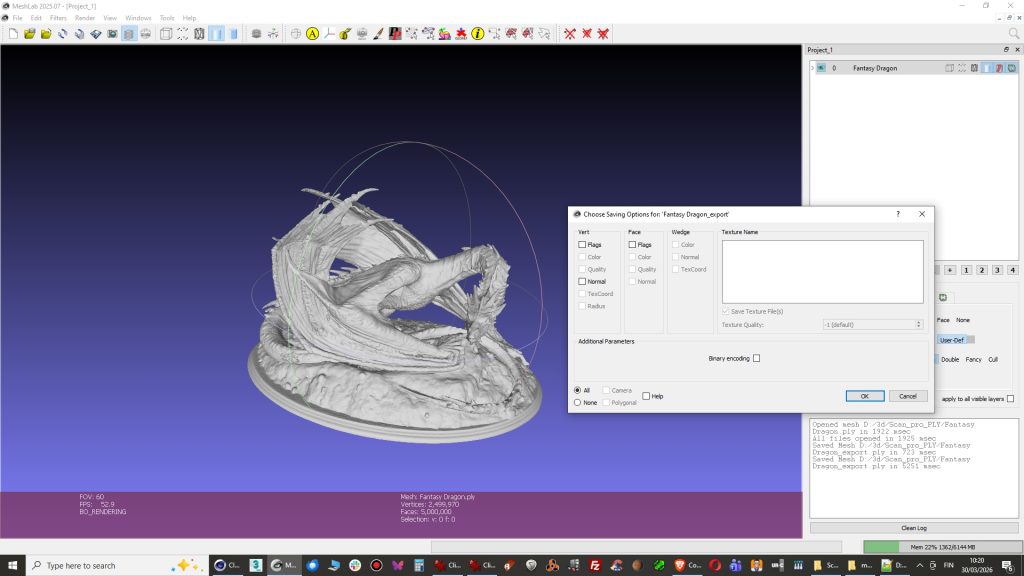
2. Open PLY file in Meshlab and Export as a new PLY file without checking Binary encoding. There was a good tip on this blog.
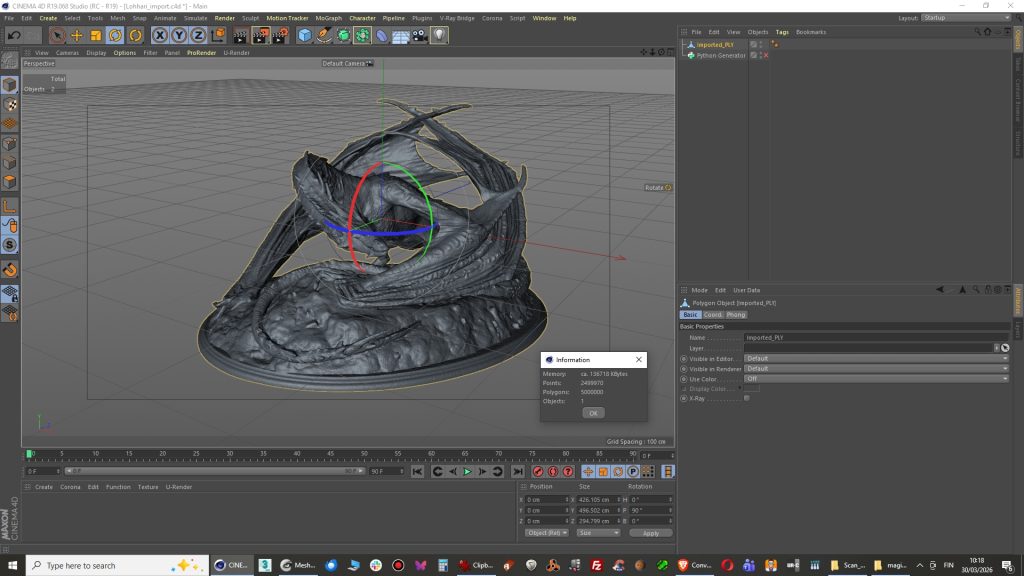
3. Import into Cinema 4D with PLY python script and you are done!. Model appears to have 5000 000 polygons which can be reduced now with polygon reduction tool but I am positive that Meshlab has better tools for that.
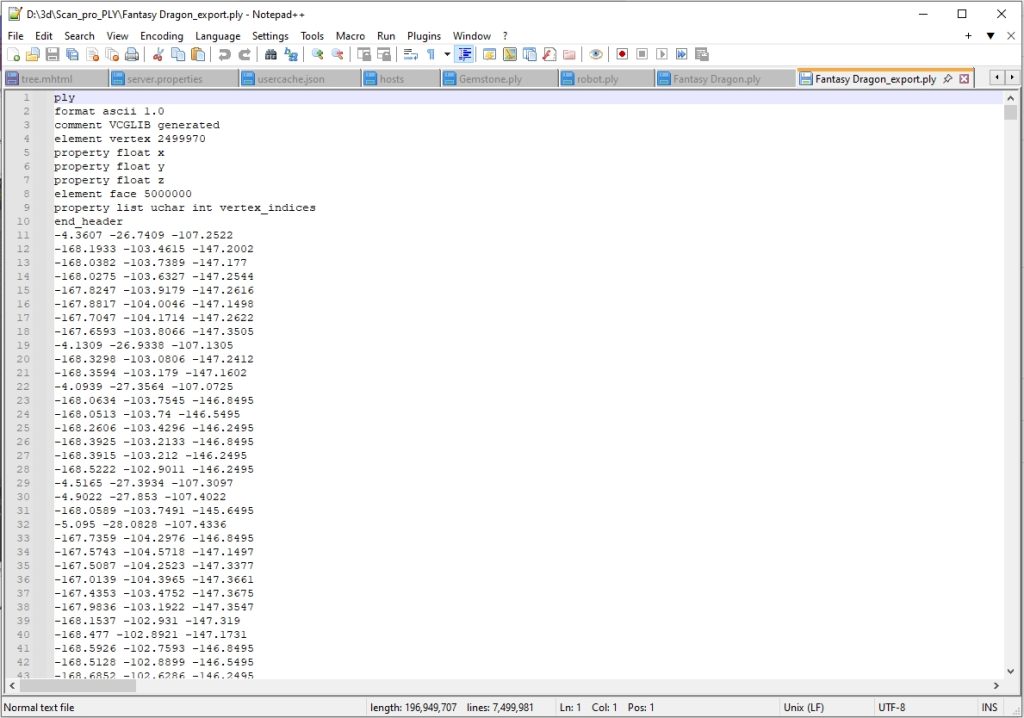
4. If you open the file in Notepad ++ and you can see it is clean now.
Well now I tried importing a model with several parts and it works just fine.
World coordinates are different so you have to rotate the model in Cinema. After importing a tall model looks like it has a taken sideways direction.
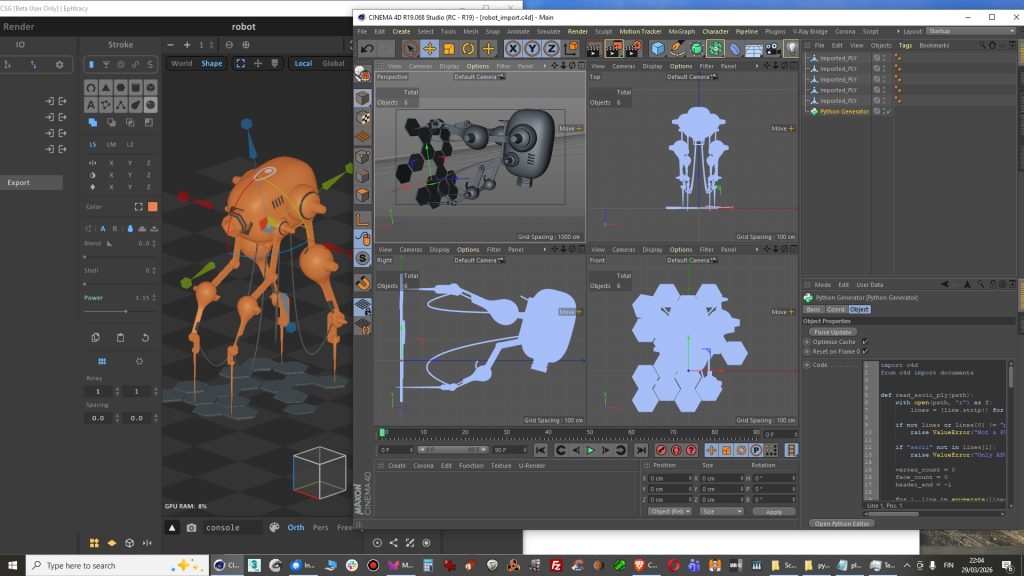
Actually my first released script. I had modeled object in Magica CSG and this came handy when import into Cinema 4D R19. There is no support for PLY in R19. This version is 0.1.
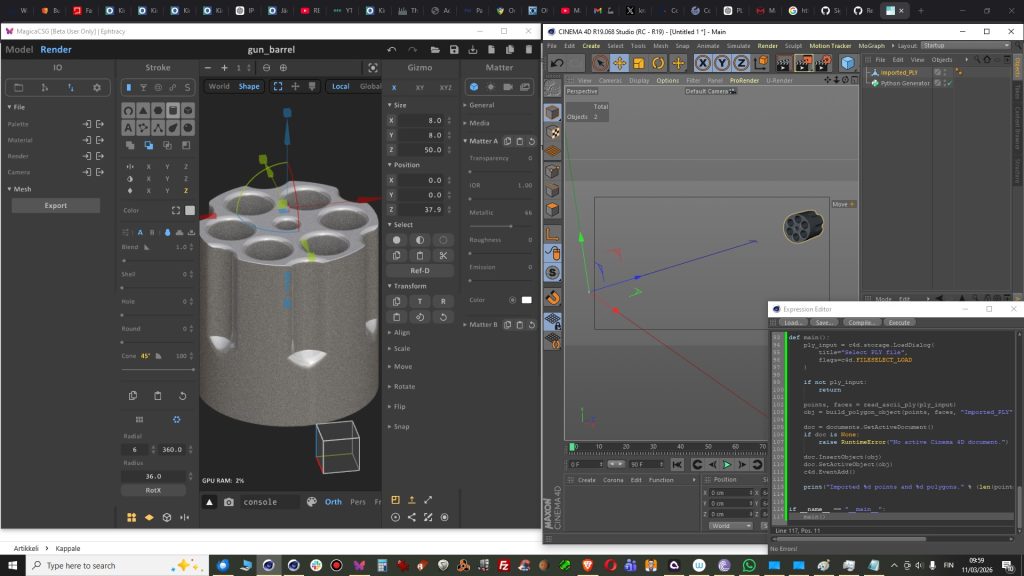
You can get free script from my K3DSCRIPTS
GitHub page: https://github.com/kimmorp-777/K3DSCRIPTS/releases/tag/cinema4d
HOW TO RUN:
Some minor fixes:
Axis is not on center
Some notes:
If script keeps asking new file or Cinema 4D
gets stuck, then after mesh import simply
delete Python Generator from your object
manager.
File size ”issues”, or just features?.
The problem or the feature in PLY file itself is that it is quite heavy because it has very dense polygon mesh. This does not matter that much when you are making models for 3D-Printing. If you make models for game then you might want to use polygon reduction tool or just remodel some very polygon intense parts.
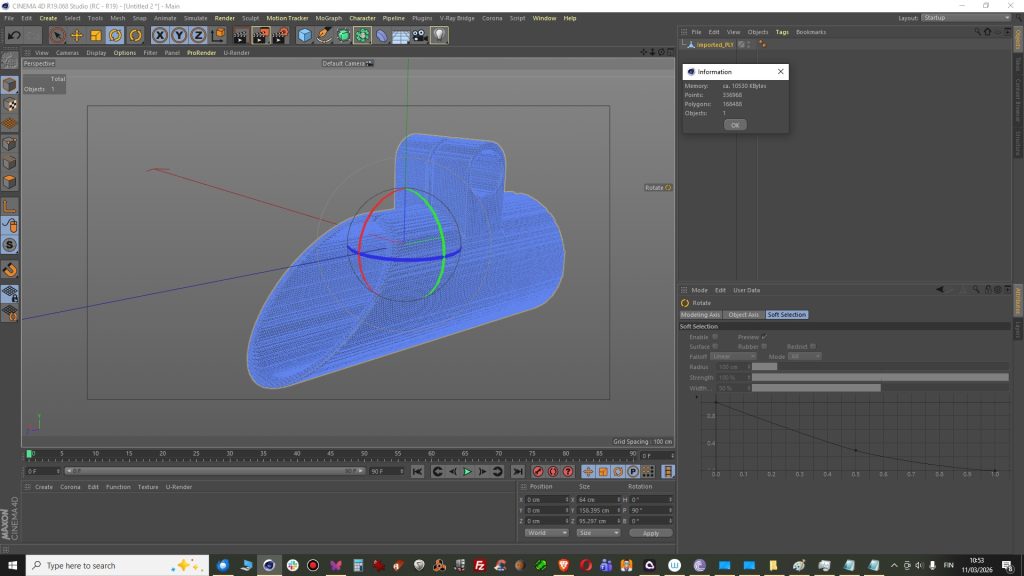
This model below had 168488 polygons that is too heavy for game engine but I guess ok for 3d-printer.
Modeling in Magica CSG
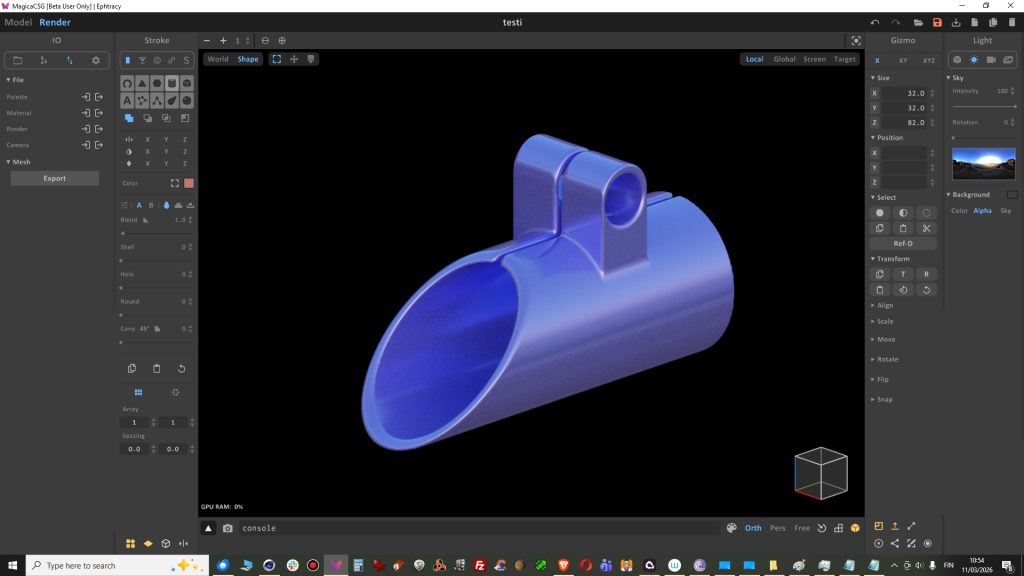
Import into Cinema 4D
There was a good tutorial in polygonpen channel. I think I nailed it but got too little subdivisions on edge rounding.
I think these are best 3d-modeling tutorials for Cinema 4D in youtube. However all modeling should be made in real dimensions when it is cad and technical modeling with real dimensions. This could be printed in 3d I think so model size is good to be in real scale when modeled.
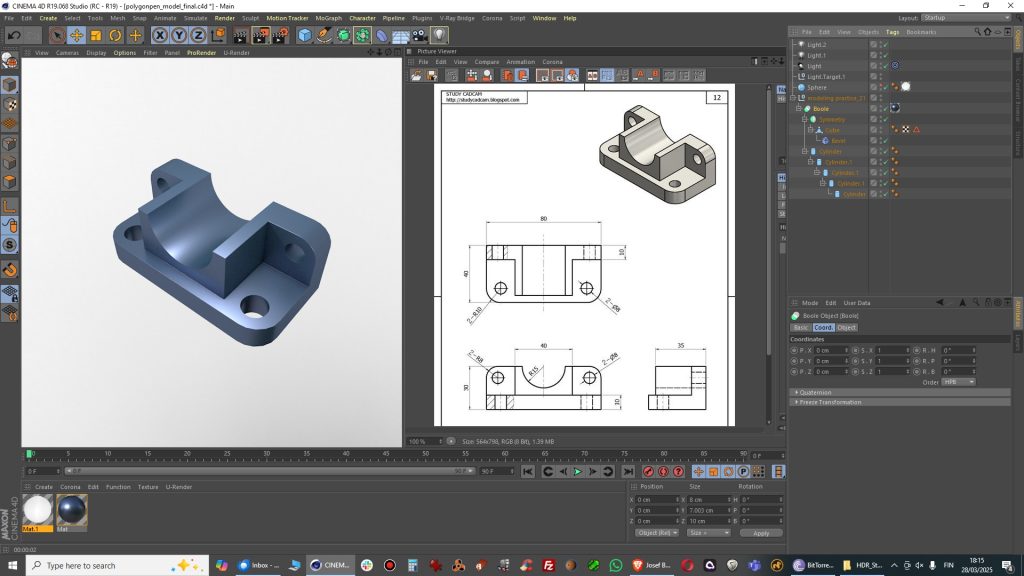
The shape looks the same…
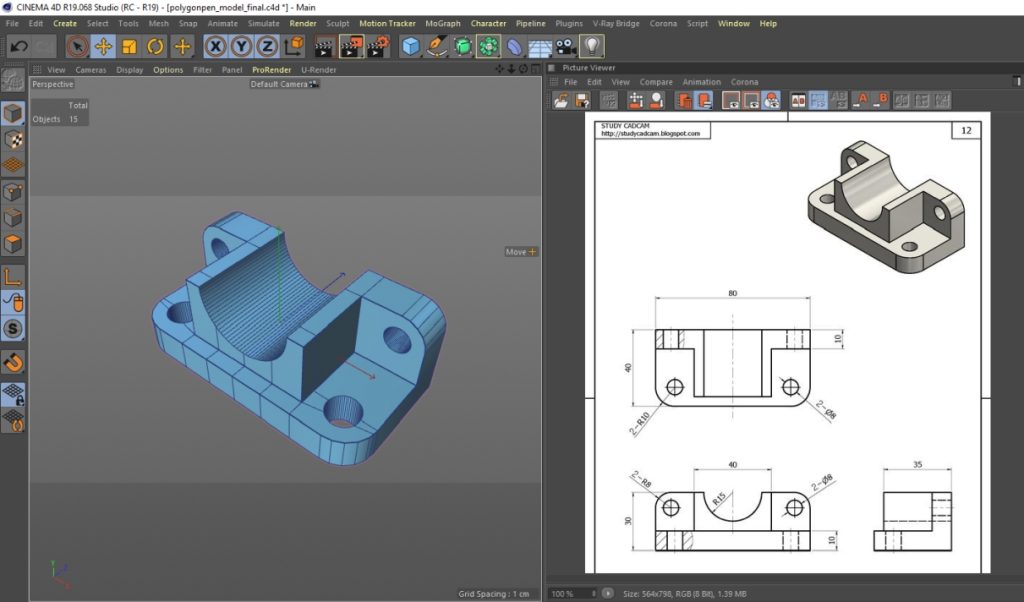
Too little rounding though….
Best way to fix with Bevel deformer. But it is best to have the basic shape saved as work in progress.
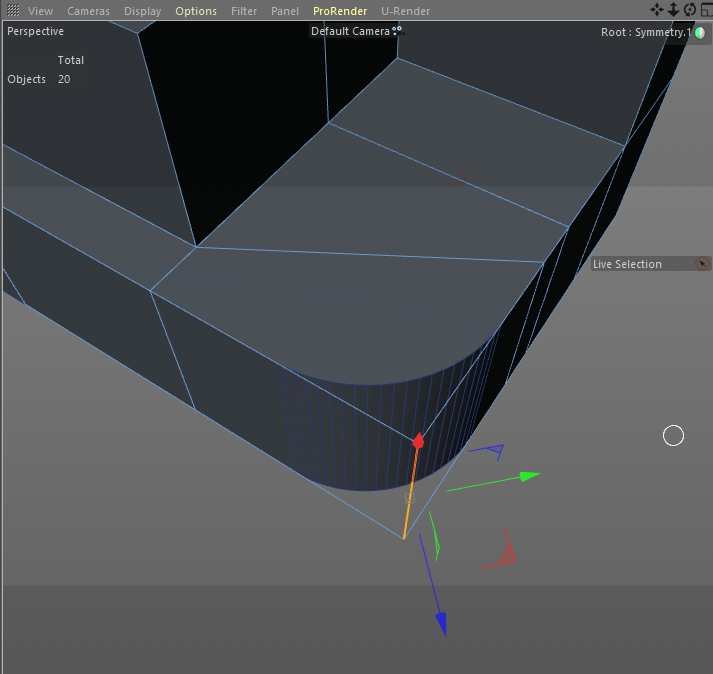
Settings with 20 subdivs makes it smooth enough.
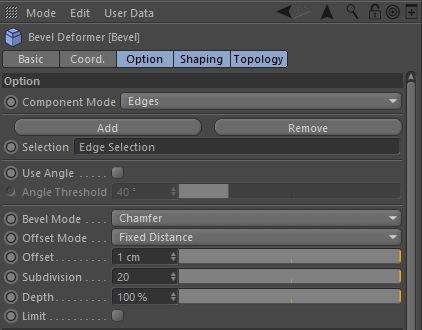
Always model in real scale. There is 10 mm in drawing so you have 1 cm in Cinema 4D. It should not be 100 cm because it is a small part and not a car.
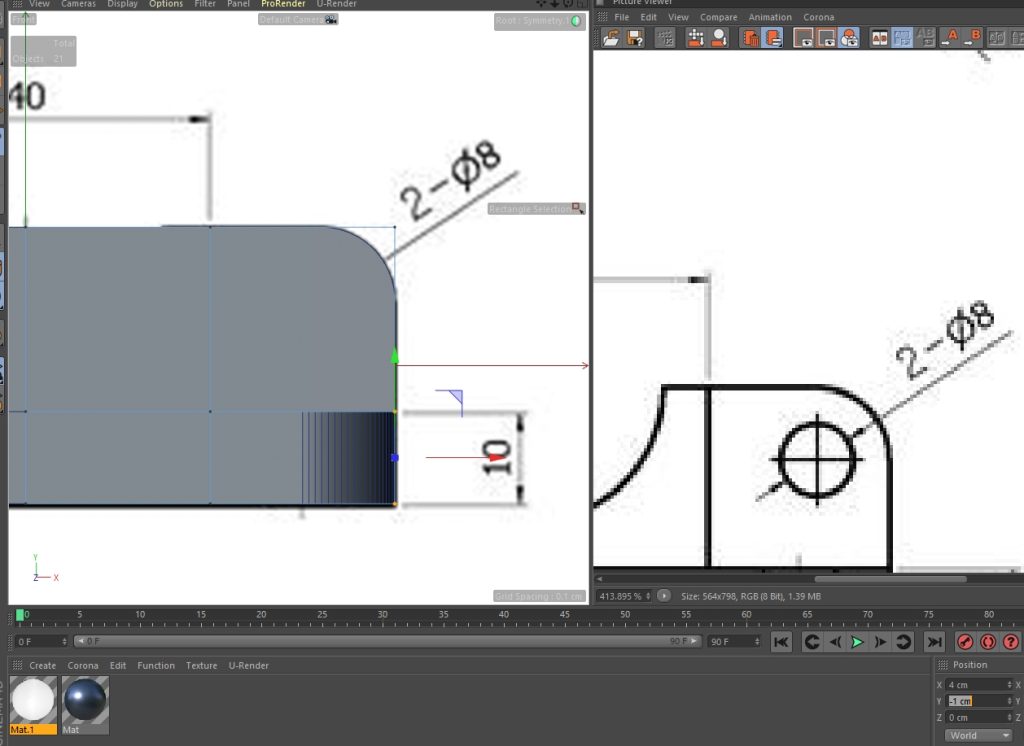
Download file if you want to check it out
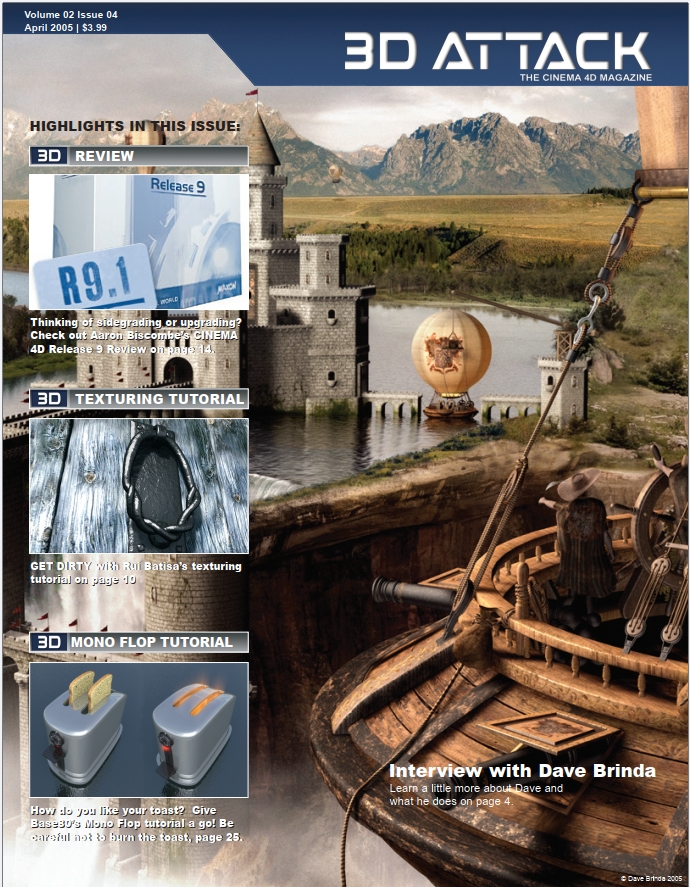
Blast from the past. Check out these!
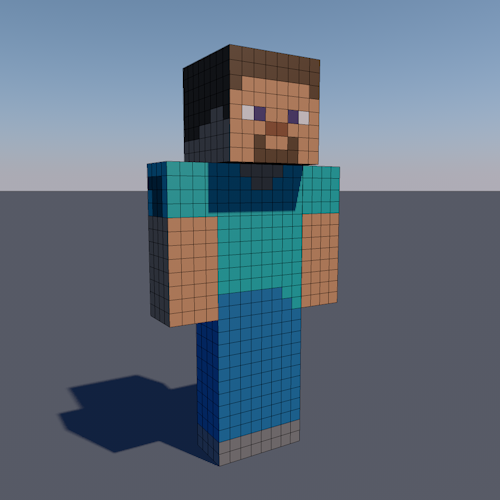
Check out this free steve model from Minecraft. Please feel free to use in your own projects
Visit free 3d models page from this link
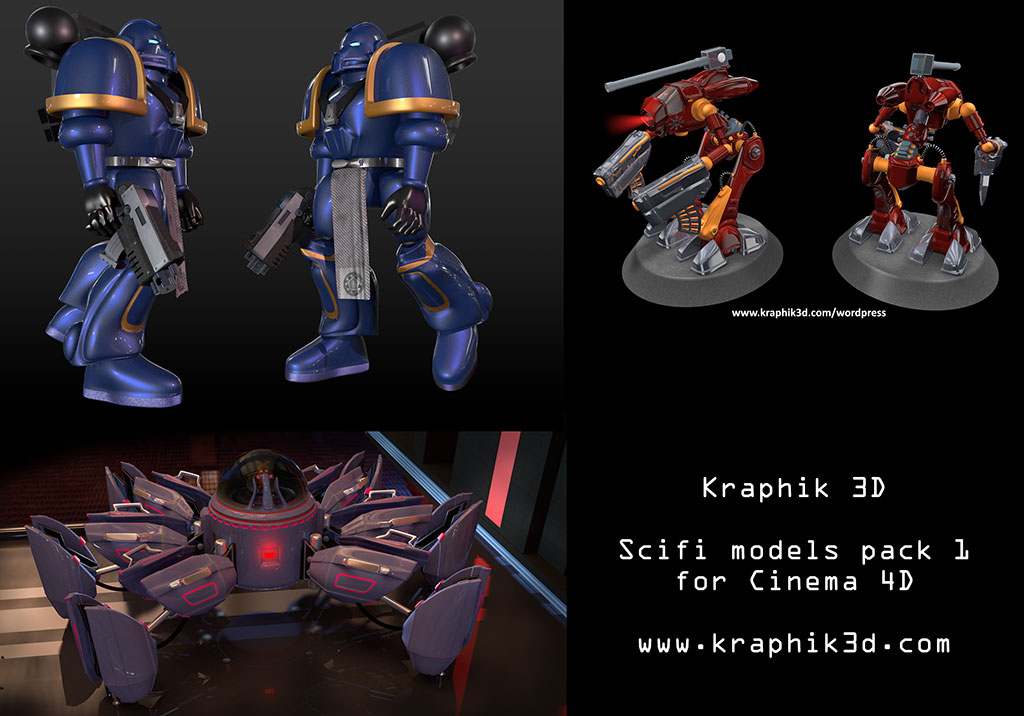
Visit new page for scifi models here
Tämä artikkeli on todellakin tynkä ja tässä on vain kuvia, koska olen kuvittaja.
Tällä hetkellä opiskelen it-tukihenkilön koulutuksessa ja kaikki
tietokoneaiheinen kiinnostaa.

Warettaminen ennen muinoin – Piraatin muistelmat (waretus, ohjelmistopiratismi) (s. 54)
https://skrolli.fi/numerot/2024-1/#skrolli

https://skrolli.fi/numerot/2023-2/#skrolli